Integration Details
Connecteam integrates with RUN Powered by ADP to simplify workforce management in Connecteam while seamlessly managing payroll through ADP.
ADP Application Integrated
- RUN Powered by ADP
Integration Type
- Bi-directional data exchange
Single Sign-On (SSO) (practitioners and employees)
Buy now
Application Type
- Data connector and end user
Data Sync Frequency
- On Demand
Data Fields
- The following field will be sent by Connecteam to ADP:
1. Hours
2. Company code
3. Employee ID
4. Regular (base) Hours
5. Overtime Hours
6. Department/Cost Center allocation (optional)
7. Override Pay rates (optional)
The following fields will be read by Connecteam:
1. First Name
2. Last Name
3. Work Email Address
4. Phone Number
5. Departments
6. Earning Codes
7. Rate Codes
Commitment to Responsible AI
Together with ADP Marketplace, our company is committed to the responsible use of AI. When incorporating AI into our product(s), we have agreed to comply with ADP Marketplace’s AI principles focused on human oversight, monitoring, privacy, explainability, transparency, and mitigating bias. Learn more here.
How we use AI
- Connecteam uses AI to help automate routine processes and enhance overall efficiency, with features including:
AI Auto-Scheduling: Connecteam’s AI Auto-Scheduling feature automates the creation of employee shift schedules. Managers can define criteria such as roles, skill sets, and required qualifications for each shift, and the system generates an optimized schedule in seconds. This helps ensure shifts are assigned to the most suitable employees, reducing conflicts and improving workforce management. Managers have complete control of settings and final results and can review, change or approve the scheduling outcome.
File to Form Conversion: The AI-powered form creator allows businesses to digitize existing documents effortlessly. By uploading files like PDFs, the tool analyzes and converts them into digital Connecteam forms within seconds. This streamlines the setup process and data collection and eliminates the need for manual form creation, enhancing operational efficiency.
Speech-to-Text: Connecteam incorporates speech-to-text capabilities, enabling real-time transcription of audio inputs into text. This feature helps employees fill out required documentation or field reports directly within the app, promoting accurate record-keeping and structured communication.
Course Creator: Create custom courses in minutes. There’s no need to research and write content for professional courses — all that’s needed is a prompt and our AI Course Creator will do the work for you.
If you have questions about how Connecteam uses AI, please contact us.
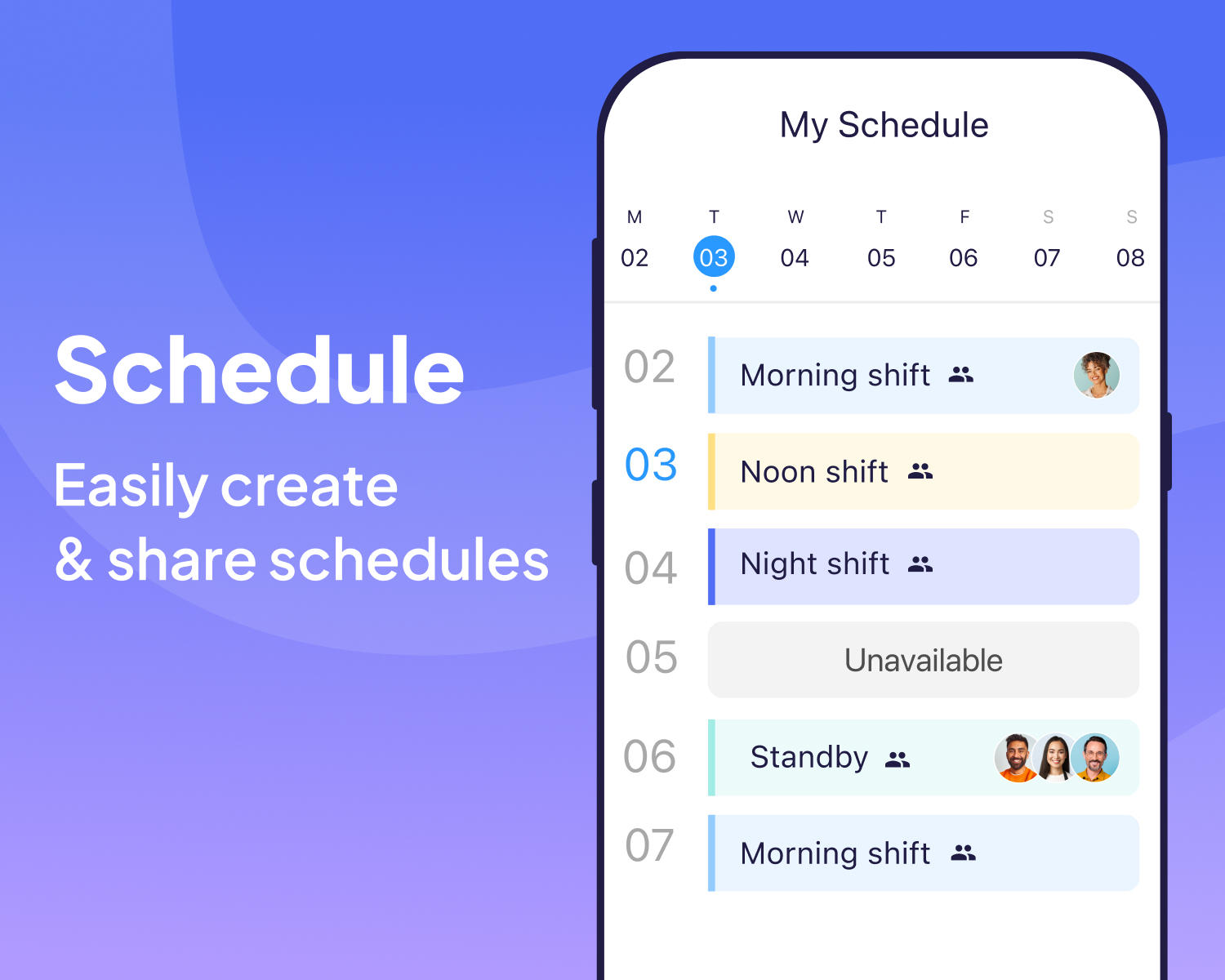
Employee Scheduling
Connecteam’s employee scheduling feature allows managers to easily create, modify, and share shift schedules with their team using advanced AI agent capabilities. With drag-and-drop simplicity, you can ensure that all shifts are covered, avoid conflicts, and keep your operations running smoothly while keeping your staff well-informed. Advanced scheduling capabilities: -Team schedule view -9-80, consecutive shifts -All modules connected (schedule - time clock - comms)
Time Clock
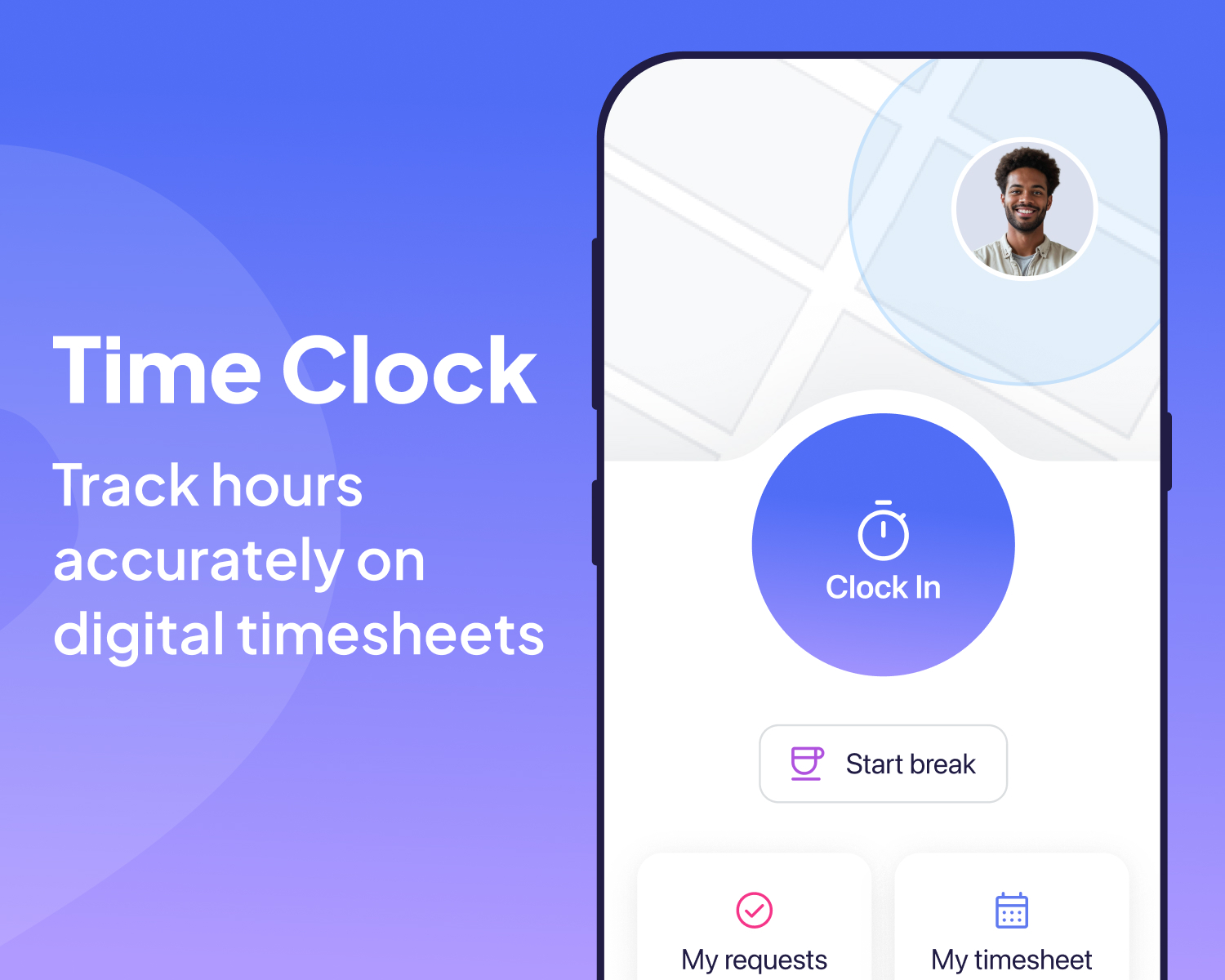
Connecteam’s time clock feature enables employees to clock in and out from their mobile devices, offering accurate, real-time tracking of work hours. This ensures precise payroll calculations, helps monitor attendance and punctuality, and reduces the risk of time theft. Advanced features: California compliance: daily overtime after weekly threshold , break compliance etc. GPS/location: geofence enforcement, live GPS/ breadcrumbs visibility, photo on punch via phone. Also available clocking in via NFC tag. 5+ pay rates, shift premiums, job costing, union rules Possible methods of clocking in: Mobile app NFC tag Kiosk app POS Physical Time Clock
Chat
1:1 / Group chats / Channel - Send messages privately or in groups, while segmenting team chats by location, project, department, etc • Media / file attachments (images, files, PDF, GIF, location etc) • Read receipts • Automatic user management groups (Smart Groups) - users are inserted or removed from group based on their Smart Group membership criteria • Group based conversations • Role based chats • Schedule messages for next clock-in or any other custom time - auto sync w/ time clock • Employee status indication (presents if the employee is clocked-in) • Pin conversations • Flexible settings & robust permissions

Company Feed & Updates
Reach every single employee at once with one single feed for your company updates, news and celebrations. • Media and file attachments • Auto-translation • Schedule posts • Require post read confirmation - read receipts • Automated reminders for those that did not view updates • Post engagements - social feed feeling: likes, comments, reactions • View post insights • Pin posts to top of feed • Notifications and auto-reminders to users • Add shortcuts to update • Live polls • SMS sending

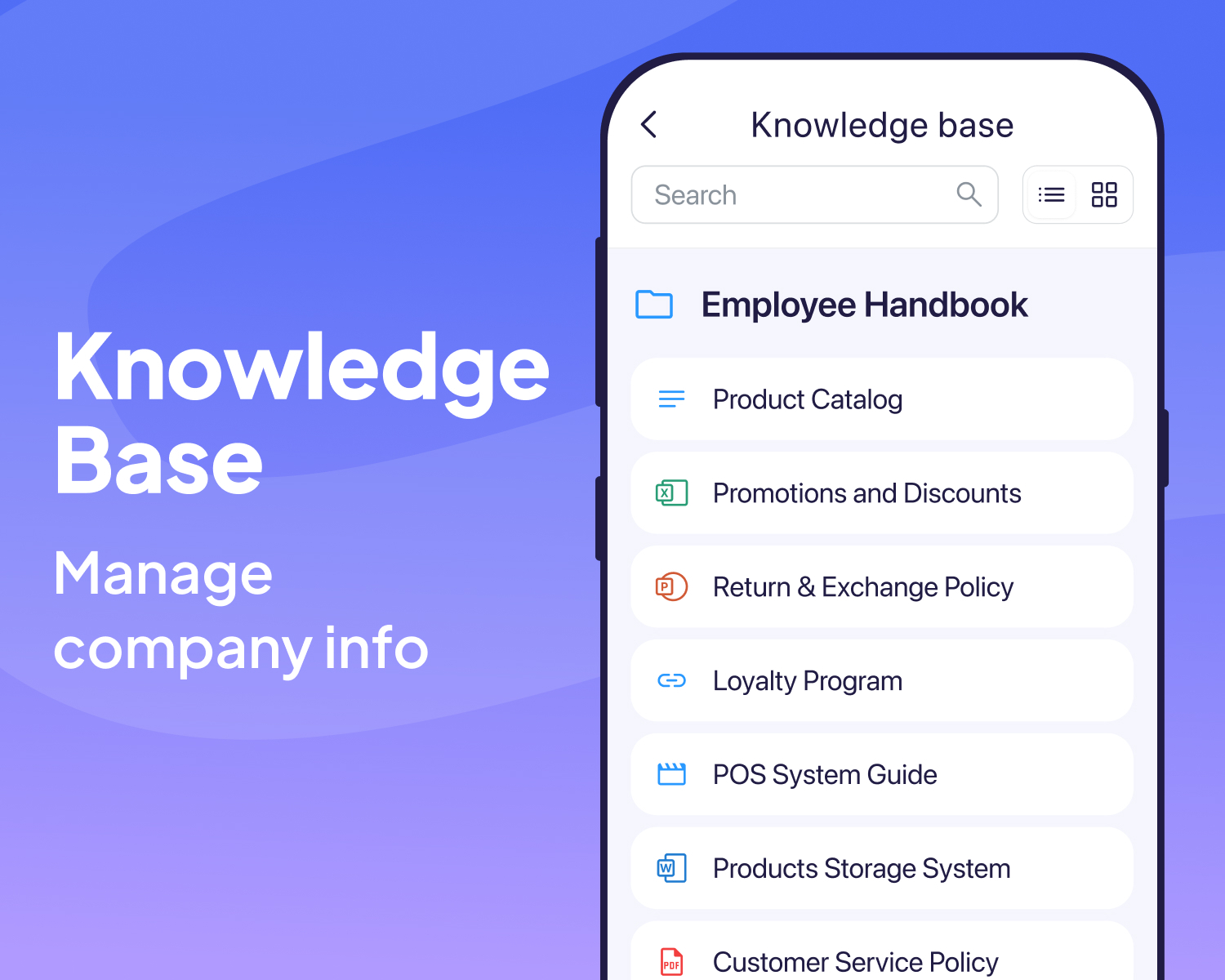
Knowledge Base
Once centralized location for all company knowledge - including AI enabled agent, assisting employees with reaching requested vital information
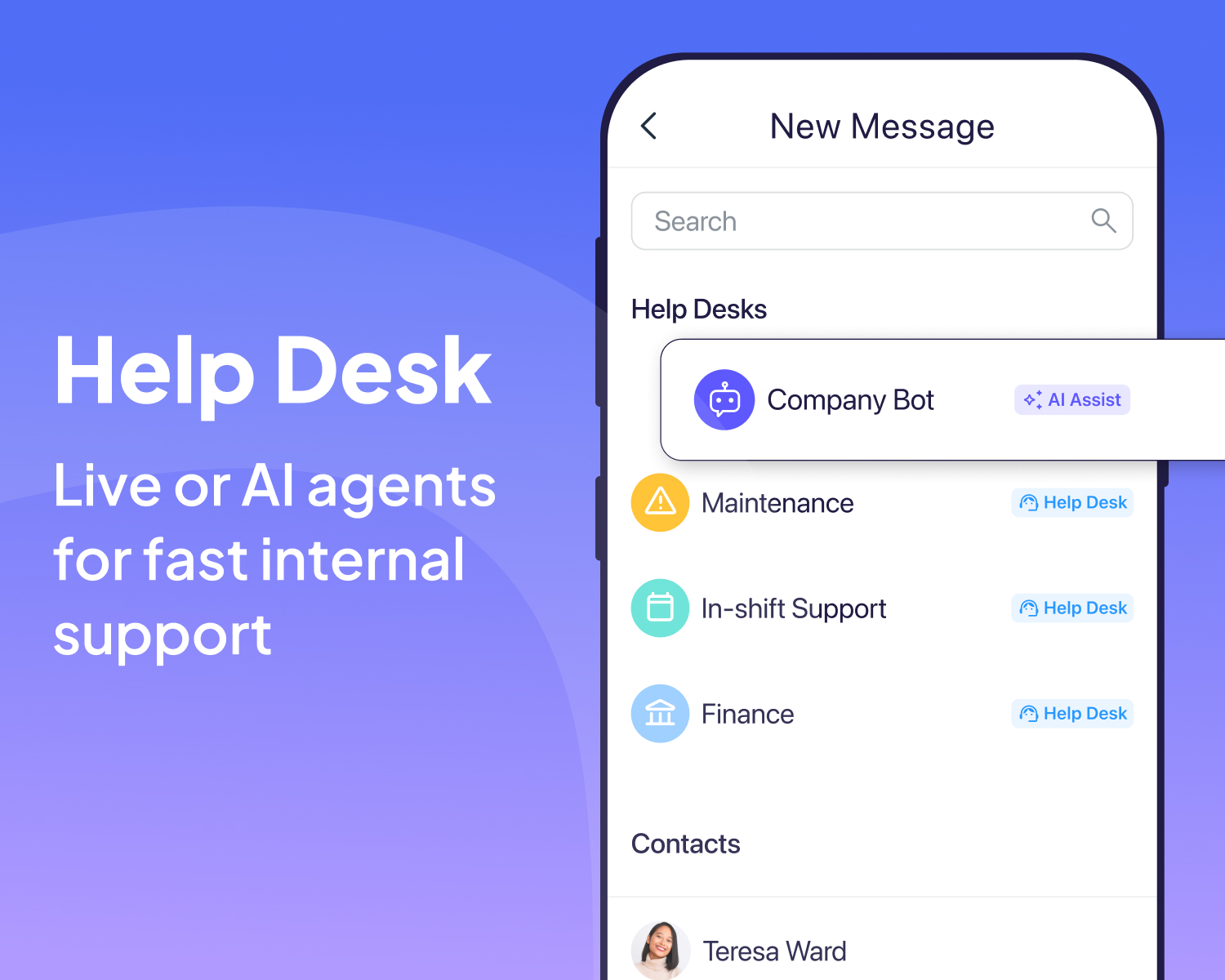
Help Desk - Internal Ticketing System
Simplify Employee Requests & Information Access - Employees can now send tickets for specific requests, approvals or support, ensuring requests reach the right department instantly incl. an AI agent assisting every day questions
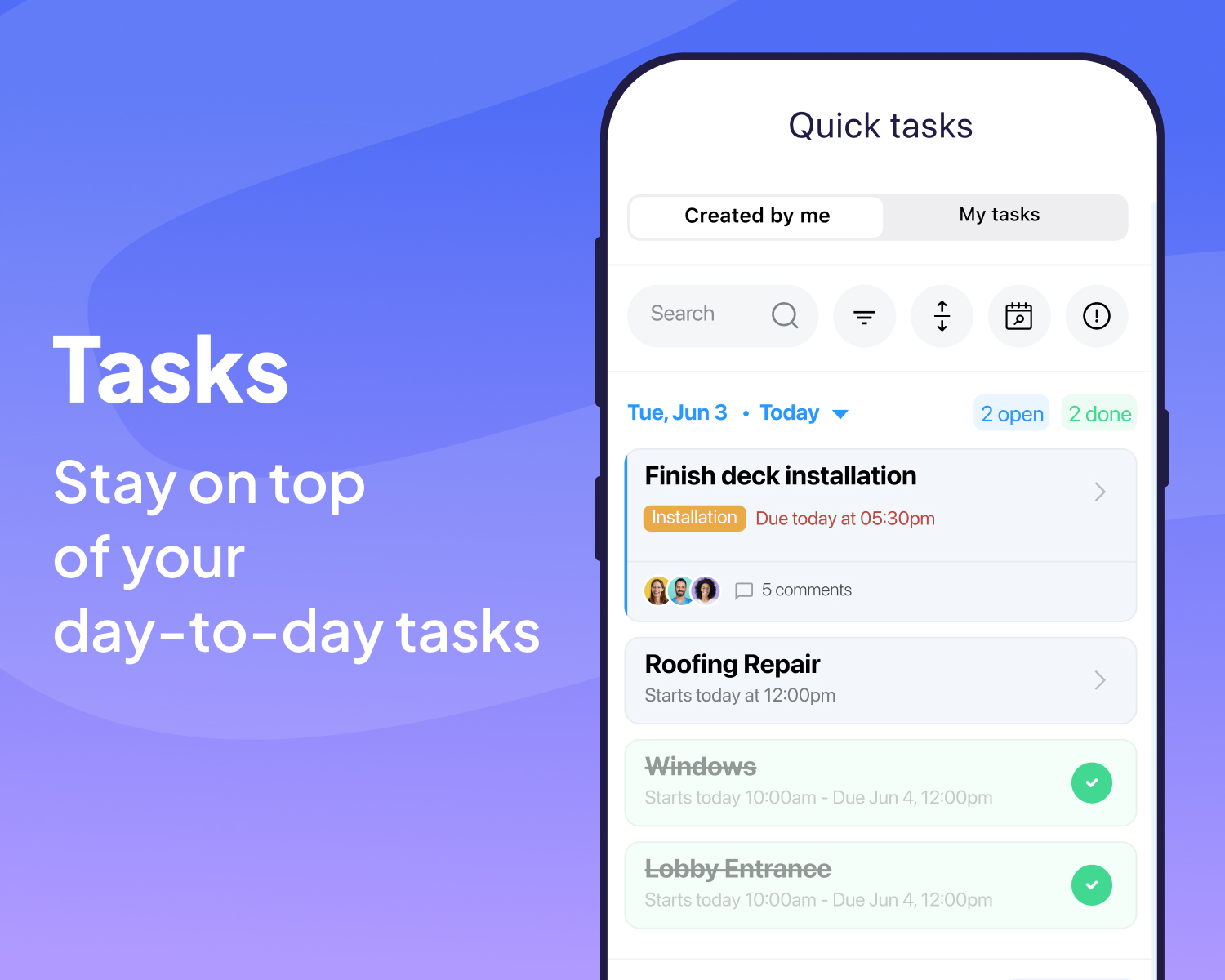
Task Management
Assign and track tasks in real-time using Connecteam’s task management tool. Managers can create task lists, set deadlines, and monitor progress to ensure all critical tasks are completed on time. This feature helps maintain high standards of productivity and accountability within your team.
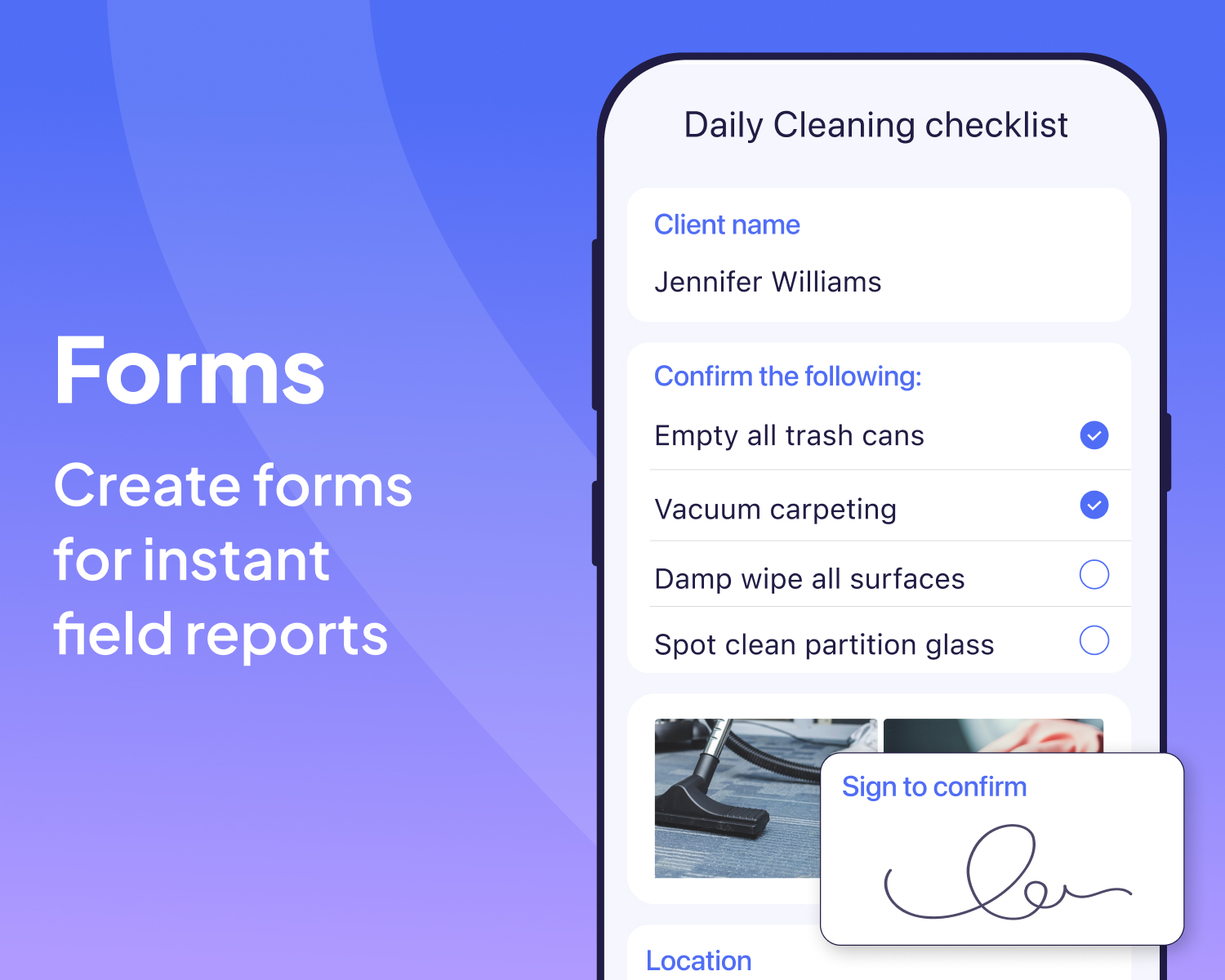
Forms and Checklists
Eliminate paperwork and streamline your operations with digital forms and checklists. Create customizable forms for daily checklists, inspections, and reports, ensuring all necessary documentation is completed accurately and efficiently and easily accessible for future reference.
Training
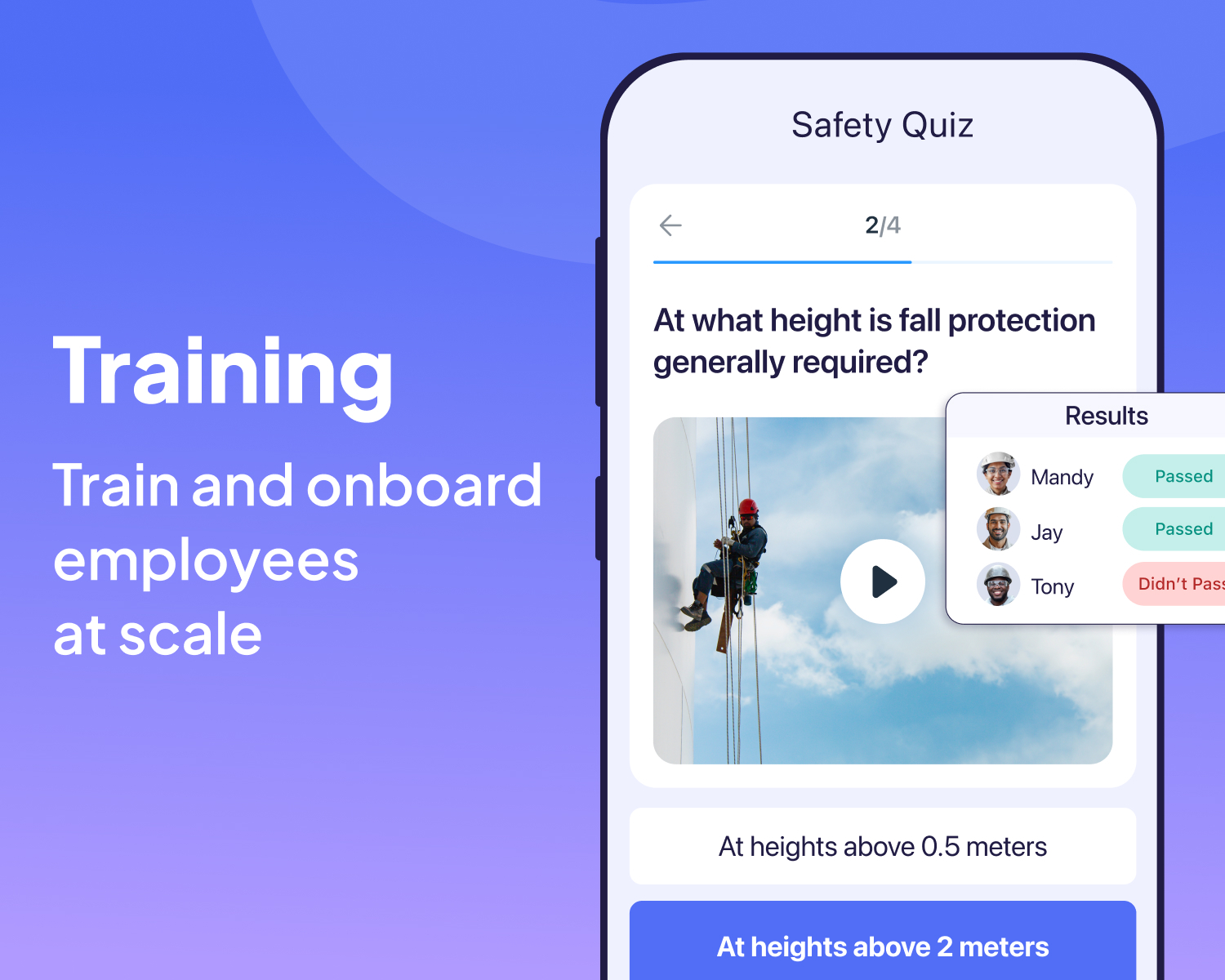
Connecteam’s training and onboarding feature (courses) simplifies the process of getting new hires up to speed (learning management). Create and distribute training materials, track progress, and ensure all employees are well-trained and compliant with industry standards, leading to better performance and reduced turnover, all in a simple, mobile first LMS.
Document Management
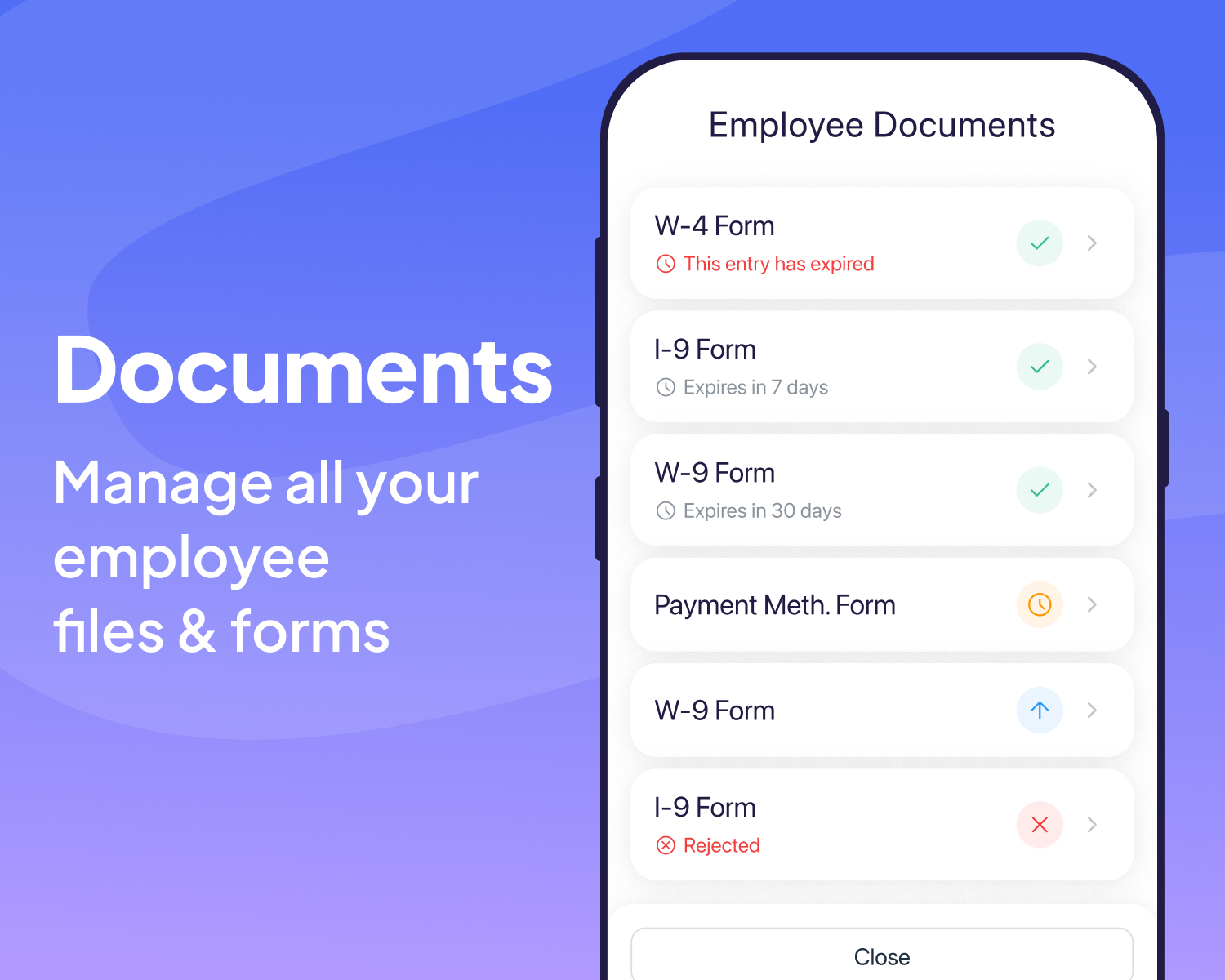
Connecteam’s document management feature lets you store and share important documents securely. Whether it’s HR policies, safety guidelines, or training manuals, keep all your documents organized and easily accessible to your team, ensuring compliance and up-to-date information.
Employee Recognition
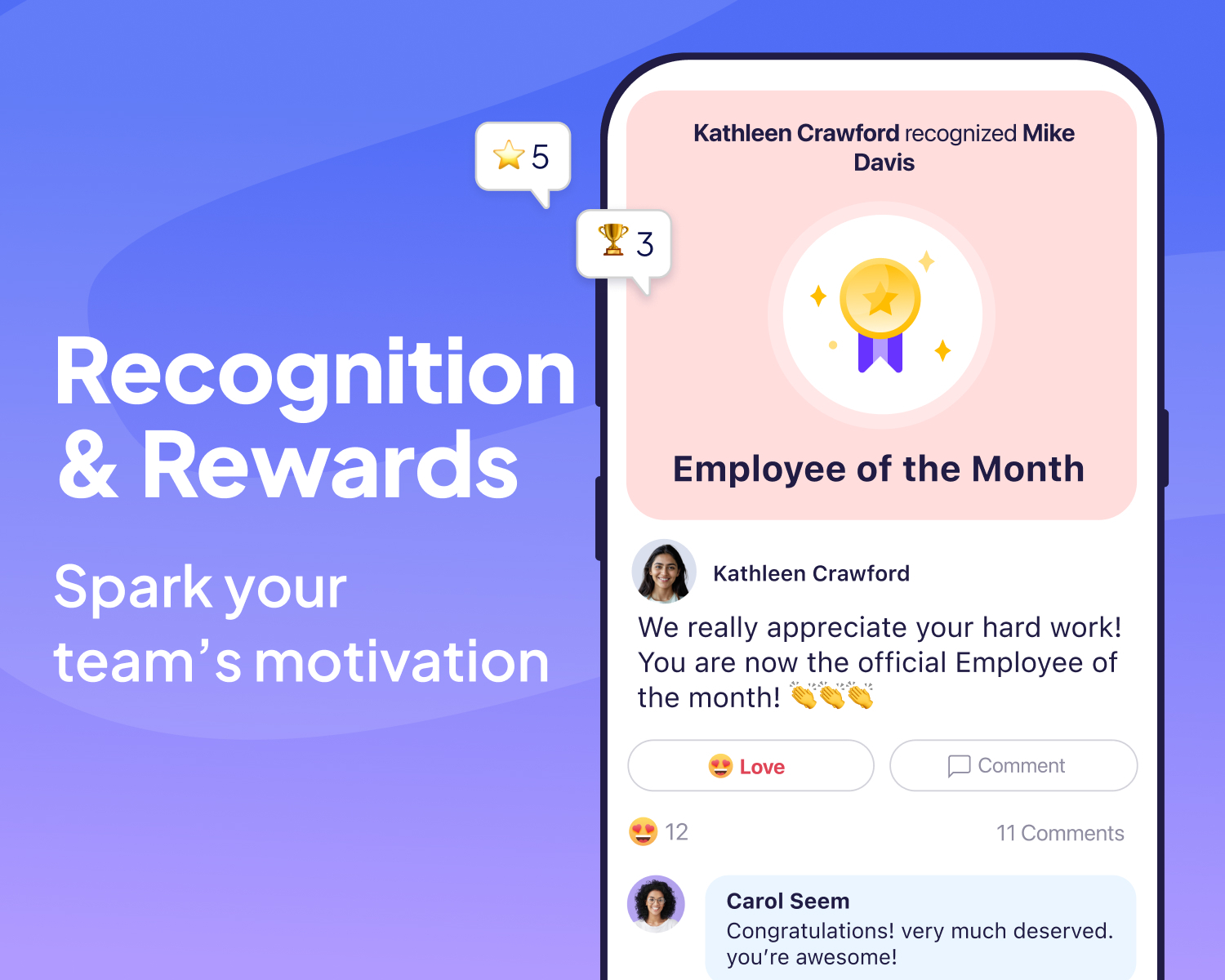
Recognize and reward your employees with Connecteam’s employee recognition tools. Send shout-outs, celebrate milestones, and provide instant feedback to boost morale and foster a positive workplace culture. Recognized employees are more engaged, motivated, and likely to stay with your company longer.
Directory - Company Phone Book
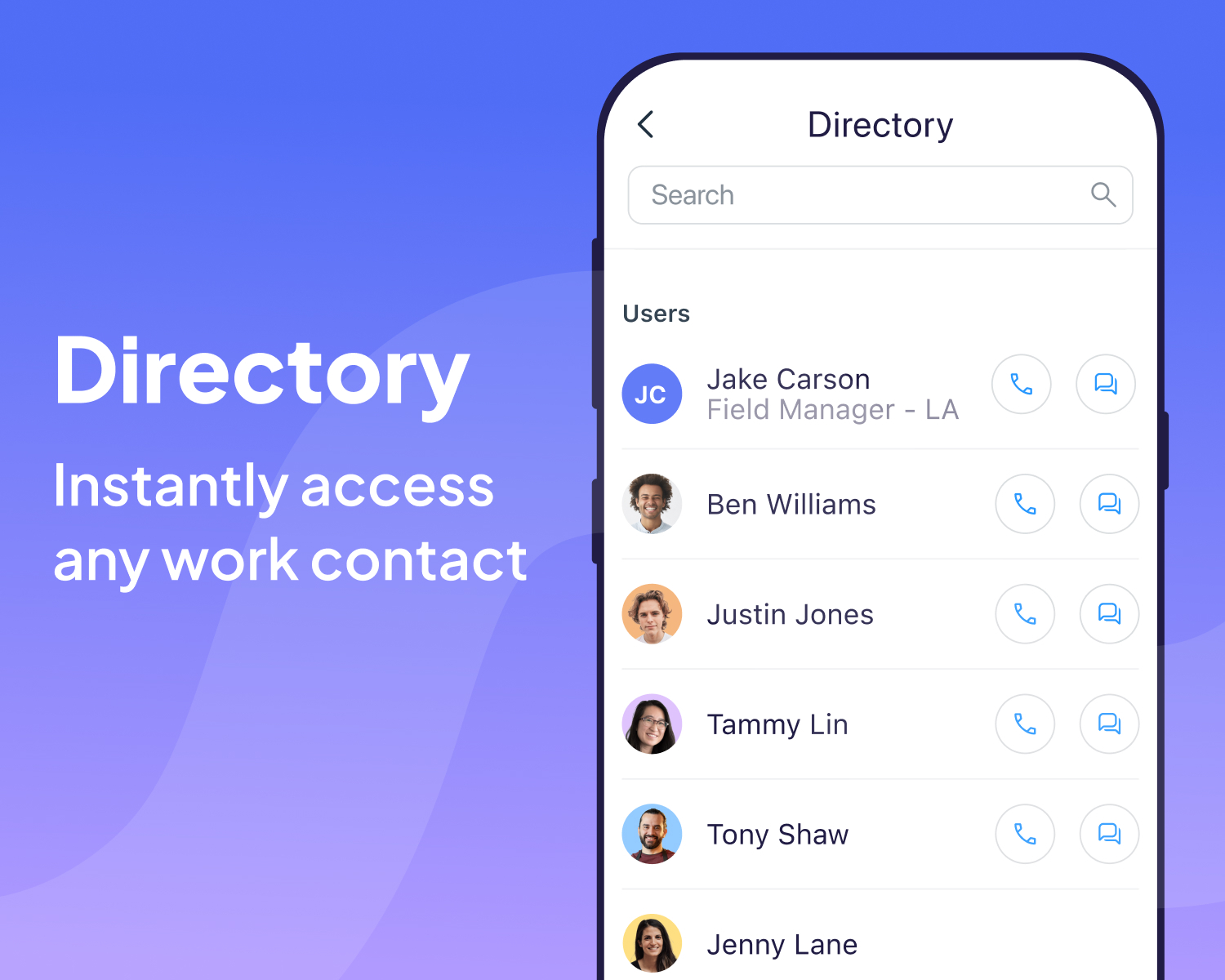
One company directory app to keep all contacts in reach - Instantly search for any work contact and call, chat, text or email, all from one single place
Hiring
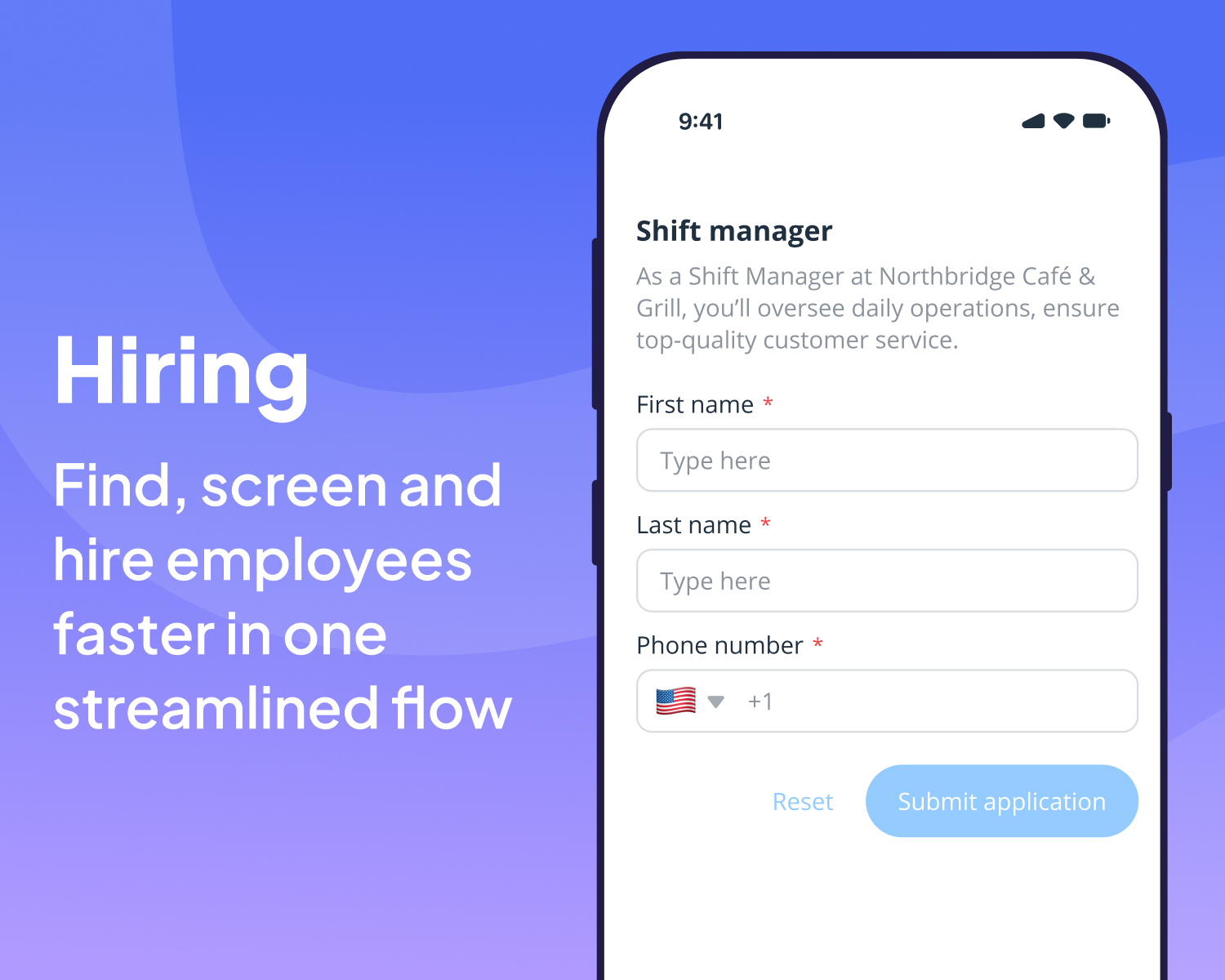
Connecteam Hiring helps deskless teams find, screen, and hire employees faster in one streamlined flow. Create mobile-friendly job posts, share a single application link, automatically screen candidates with role-specific questions, and manage all applicants in one organized pipeline. When you’re ready to hire, convert candidates into employees with one click—no re-entry, no manual follow-ups
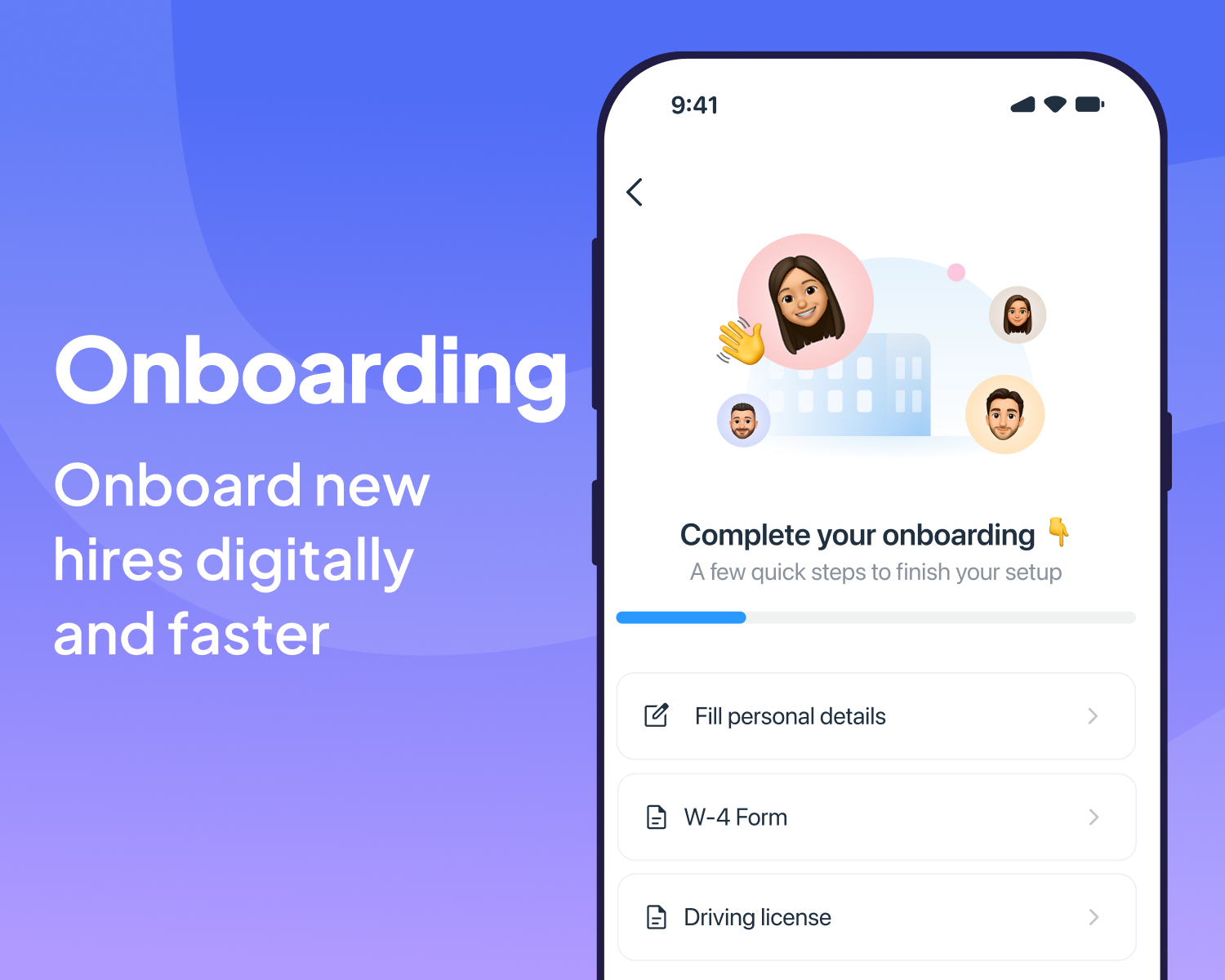
Onboarding
Connecteam Onboarding helps deskless teams onboard new hires digitally and get them ready to work before day one. Guide employees through required forms, contracts, payroll details, and policy acknowledgments from their phone, with full visibility for managers. Everything is completed, reviewed, and stored in one place—so onboarding is done right, on time, and without chasing paperwork.